
Cybersecurity
Is Your Business Website a Security Risk?
Summary: Most small-business websites run on WordPress, and the biggest risk is usually old plugins that nobody has updated. Attackers scan the web for these known weak spots and use the sites they find to spread malware, post spam, or steal what visitors type into forms. Keeping the site and its plugins updated, and knowing who is responsible for that, prevents most of it.
Your website is one of those things you set up once and then stop thinking about. It sits there doing its job, so there’s no reason to touch it.… Read the rest
Read MoreWhy You Should Scroll Past the First Result on Google
Summary: Scammers buy ads on Google and other search engines using the names of trusted brands and software, so their fake site shows up at the very top, above the real one. Click it and you can land on a fake page that steals your login or installs malware. You can avoid nearly all of it by skipping the sponsored results and going to the real website yourself.
When you search Google for a program to download or a website to log into, the first thing you see is usually an ad.… Read the rest
Read MoreHow to Spot a Scam Email Now That They Look Real
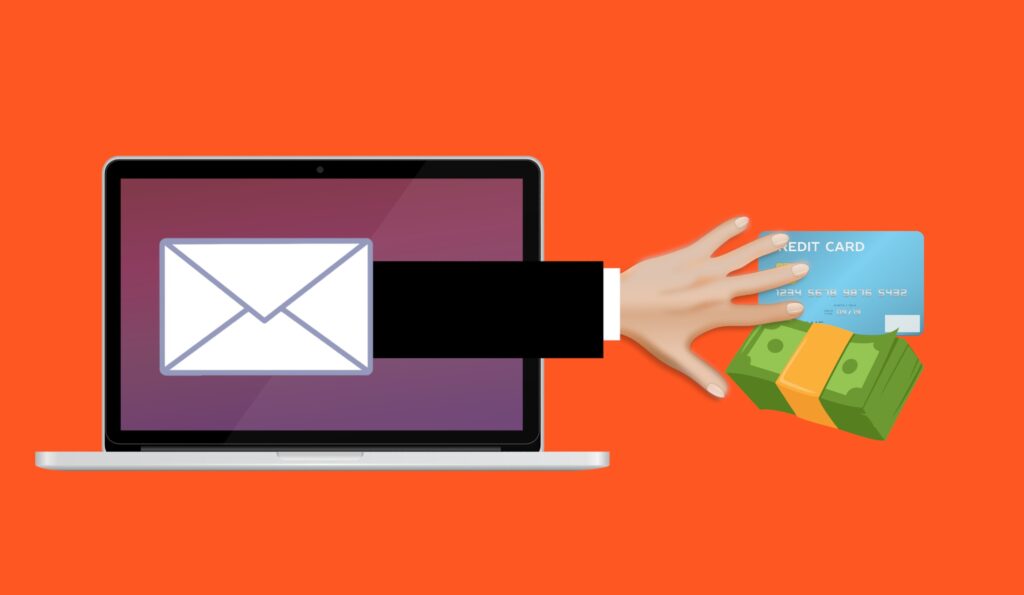
Summary: Scammers now use AI to write their phishing emails, so the spelling and grammar mistakes that used to give them away are gone. The UK’s National Cyber Security Centre and the FBI both warn that AI makes these messages cleaner, more personal, and harder to spot. The way to catch them now is to look at what an email is asking you to do, because the writing no longer gives anything away.
For years, the advice for spotting a scam email was simple: look for bad spelling and clumsy grammar.… Read the rest
Read MoreWhat to Do in Case of a Cyberattack (Step by Step)

Article Summary: If your business is hit by a cyberattack, the first hour matters. Disconnect the affected devices from the network instead of powering them off, call your IT provider by phone, and leave the evidence in place. If money was wired to a scammer, call your bank right away. This post is the step-by-step plan, plus where to report an attack in the US, UK, and Australia.
If a cyberattack hits your business, what you do in the first hour really matters.… Read the rest
Read More