
Microsoft
10 Tips to Get the Most Out of Your Microsoft 365 Apps

Microsoft 365 is a strong set of tools created to make working together and staying safe easier on many devices and systems. It has well-known programs like Word, Excel, PowerPoint, and Outlook, as well as new ones like Teams and OneDrive. With its powerful features and cloud-based services, Microsoft 365 gives businesses a complete way to organize their operations and boost communication. This post will talk about ten important tips that will help you get the most out of your Microsoft 365 apps.… Read the rest
Read MoreCopilot in Teams – New Features, Agents & More

Microsoft Teams continues to evolve. It is a powerful hub for collaboration and communication in the modern workplace. With the integration of AI-driven Copilot, Teams is pushing the boundaries. It’s innovating how we interact with technology to streamline workflows. As well as improve productivity and unlock new business value.
Recent updates to Copilot in Teams include:
- Enhanced agent capabilities
- Smarter AI interactions
- Extra features to support teams in accomplishing tasks more efficiently
We’ll explore the latest updates to Copilot in Teams, including new features and intelligent agents as well as how these innovations can transform how your business operates.… Read the rest
Read MoreEssential Settings to Maximize Your Microsoft 365 Experience

Microsoft 365 is a powerful suite of tools. It helps to enhance productivity and collaboration. This is especially true for small to mid-sized businesses (SMBs). But to get the most out of Microsoft 365, it’s important to optimize its settings. Otherwise, you may only be using a fraction of the power you have.
Ready to get more from your M365 business subscription? This blog post will guide you through essential settings to power up your use of Microsoft 365.
1. Optimize Email with Outlook Features
Set Up Focused Inbox
Focused Inbox helps you manage your email more efficiently.… Read the rest
Read MoreWindows 10: The Final Countdown – It’s Time to Upgrade Your PC
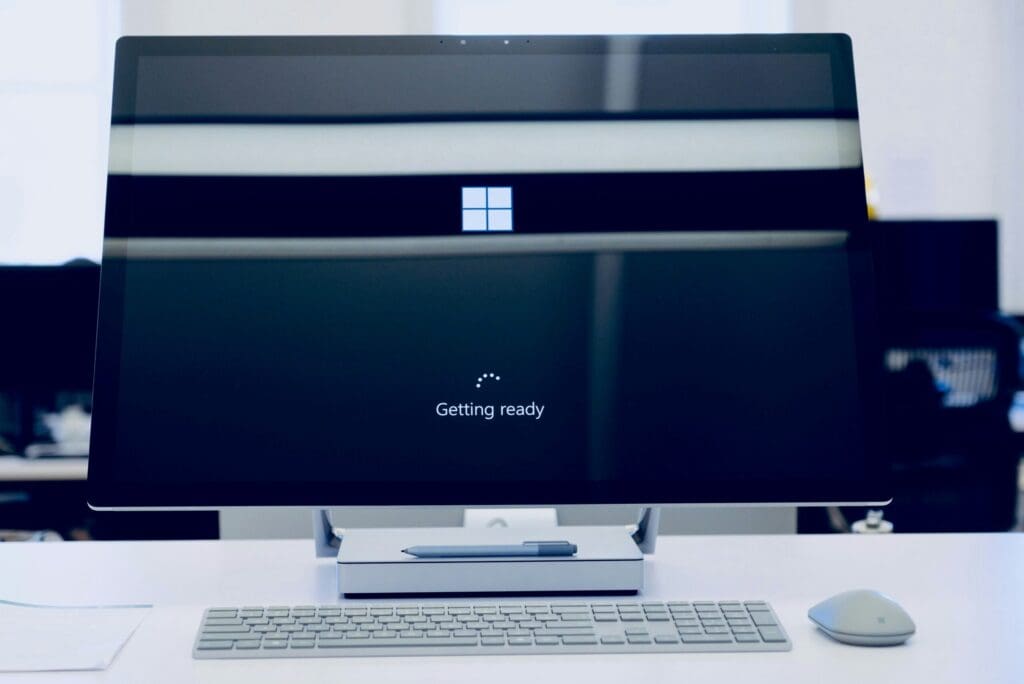
Windows 10 has served us well. But its time is running out. Microsoft plans to end support for Windows 10 on October 14, 2025. This means no more security updates, no more patches, and no more support.
It’s time to upgrade to Windows 11. This is especially true for business users with many systems to check and upgrade. This change isn’t just about getting new features. It’s about ensuring your PC stays secure, fast, and capable.
Why You Need to Upgrade Now
Security Concerns
When Microsoft stops supporting Windows 10, your computer becomes vulnerable.… Read the rest
Read More